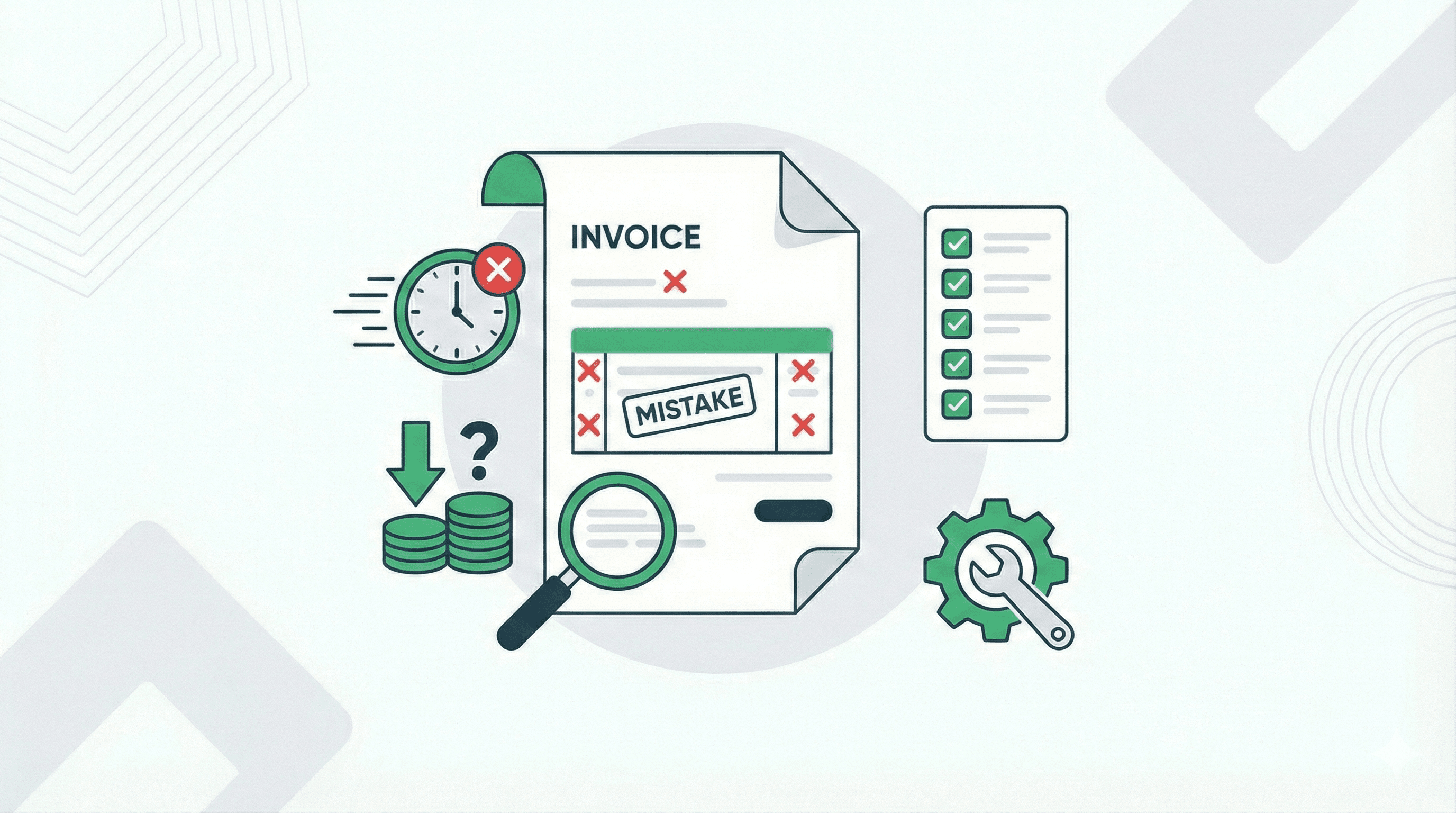
Getting paid on time keeps your business running smoothly and your stress levels low. Yet many freelancers, small business owners and service providers watch payments drag on for weeks or months longer than they should. The culprit often comes down to simple invoicing slip-ups that create confusion, disputes or just plain forgetfulness on the client's side.
Here are five of the most common invoicing mistakes that slow down your cash flow, along with straightforward ways to fix them so money lands in your account faster.
One. Sending the invoice too late
Waiting days or weeks after finishing the work before you send the bill gives your client time to shift focus to other priorities or even forget about the project entirely. The longer the gap between delivery and invoicing, the longer you wait for payment. Many experts point out that the sooner you bill, the quicker clients associate the work with the payment obligation.
Fix it by making invoicing part of your project closeout routine. Send the invoice right away, ideally on the same day you deliver the final product or service. Set a personal rule or calendar reminder to never let more than twenty-four hours pass. Tools like invoicemicro at invoicemicro.com make this effortless. You can create and download a professional PDF invoice in seconds, no complicated setup required, so you never miss that critical immediate billing window.
Two. Leaving payment terms unclear or missing them completely
Clients need to know exactly when payment is due and how to make it. When you skip this detail or bury it in fine print, they guess or put your invoice aside until they figure it out. Vague terms like net thirty confuse some people who do not deal with invoicing daily, and no terms at all turns your bill into a low-priority item.
Make terms crystal clear and prominent. Use straightforward language such as Payment due within fifteen days of invoice date or Please pay by March tenth. Include accepted payment methods like bank transfer, credit card link or PayPal, plus your account details. Adding a gentle note about late fees or reminders also encourages prompt action without sounding pushy. With invoicemicro you can easily add custom payment terms right in the invoice builder, and the clean templates ensure this information stands out so clients act on it quickly.
Three. Making calculation errors or forgetting key details like tax
Nothing stalls payment faster than an invoice with the wrong total. A missed tax amount, incorrect quantity, math slip or forgotten discount triggers questions, audits or outright disputes. Clients hold off paying until everything checks out, and you end up spending extra time correcting it.
Always double-check totals before hitting send. Use invoicing software that auto-calculates subtotals, taxes and grand totals to reduce human error. invoicemicro handles this automatically with built-in support for GST in India, VAT for EU/UK and multi-currency calculations across twenty-eight plus options. Build a quick checklist for every invoice covering client name and contact, item descriptions, rates, quantities, tax, discounts and final amount. A two-minute review in a tool like this prevents weeks of back-and-forth.
Four. Providing incomplete or vague descriptions of services or products
When line items read something generic like consulting services or design work, clients may not remember what they agreed to or question the value. This leads to hesitation, requests for more details or even partial disputes that delay full payment.
Be specific and professional in every line item. Instead of marketing services, write Social media campaign setup including three platforms, content calendar for thirty days and initial posts scheduled. Clear descriptions jog memory, show value and make it harder for anyone to challenge the charge. invoicemicro offers modern, clean templates and easy line-item editing so your descriptions look sharp and professional every time, helping clients see the worth and pay without second-guessing.
Five. Using inconsistent or confusing invoice numbering and missing key contact information
Jumping around with invoice numbers or omitting your phone number and email creates tracking headaches for clients and accountants. They might think the invoice is a duplicate, lose it in their system or struggle to reach you with questions, all of which push payment back.
Stick to a simple sequential numbering system like 001, 002 and so on, or include the year for clarity such as 2026-001. Place your full contact details prominently at the top or bottom, including name, phone, email and business address. Consistent branding and clear info make your invoice look professional and easy to process. invoicemicro automatically generates sequential invoice numbers for you and lets you add your branding, logo and contact details once so every invoice stays consistent and trustworthy.
Fixing these five mistakes takes almost no extra effort once you build the habits. Switching to a simple, focused tool like invoicemicro handles calculations, templates, client saving, multi-currency, and free PDF generation right away. The free Starter plan lets you test it with no credit card needed, and the Pro upgrade at forty-nine dollars a year removes limits if you send more invoices.
Clients pay faster when invoices arrive promptly, look professional and leave no room for confusion. Your time is valuable, and so is your cash flow. Small tweaks to how you handle invoicing, especially with a straightforward tool built for freelancers by a freelancer, can turn those frustrating delays into steady, predictable payments that let you focus on growing your business instead of chasing checks. Start with one change today, like creating your next invoice immediately after delivery on invoicemicro.com, and watch the difference it makes.
Ready to simplify your invoicing?
Join thousands of freelancers who use invoicemicro to get paid faster and look more professional.
Create Free Invoice