How I Built a Free Invoice Generator for Freelancers That Saves 5 Hours Per Week
Tired of wasting hours on manual invoicing? Here's how I built invoicemicro — a free invoice generator with PDF export, multi-currency support, and GST/VAT tax handling that helps freelancers create professional invoices in under 60 seconds.
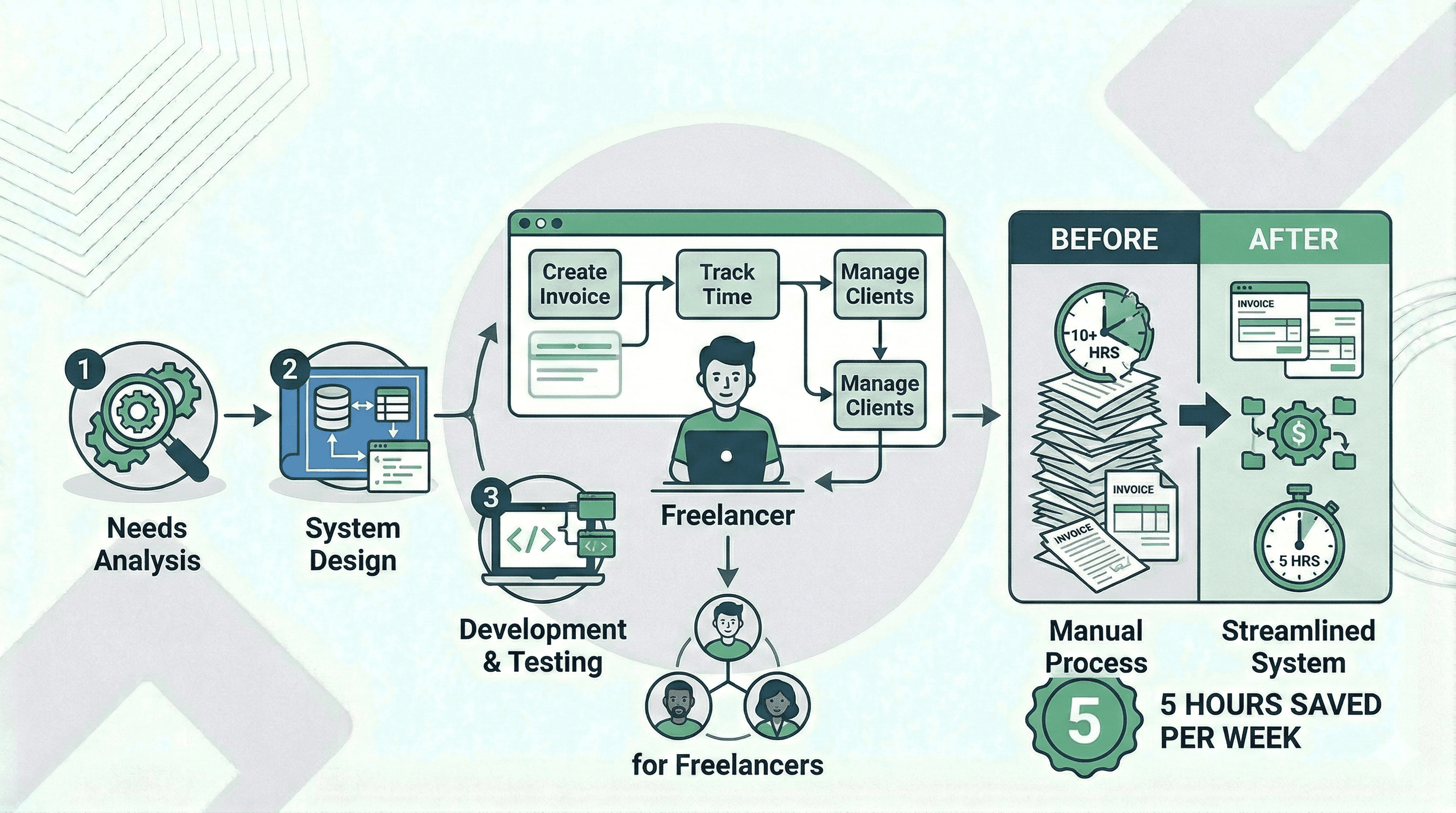
Every freelancer knows the feeling.
You just delivered a killer project. The client is thrilled. You celebrate for about 30 seconds — and then remember you still need to create an invoice. So you open that old Google Docs template, manually update the date, copy-paste the client's address, triple-check the currency symbol, and pray you didn't mess up the line item math.
That was my life. Every. Single. Week.
I was spending 5+ hours a month just on invoicing busywork — and I wasn't even doing it well. Invoices went out late. Formatting was inconsistent. I once sent a client a USD invoice when they were supposed to be billed in EUR.
So I decided to build a free invoice generator that actually works for freelancers. That tool became invoicemicro.
Why Freelancers Need a Dedicated Invoice Generator
Freelancers obsess over finding clients, perfecting their portfolio, and negotiating rates. But almost nobody talks about what happens after the work is done — and that's where you lose money.
Here's the reality:
- Late invoices = late payments. If you wait 3 days to send an invoice, the client mentally moves on. Your payment drops to the bottom of their priority list.
- Unprofessional invoices = lost credibility. A messy, inconsistent invoice tells the client your business is disorganized. This is especially true if you're a graphic designer or UI/UX designer where presentation is everything.
- Manual calculations = costly mistakes. I once undercharged a client by $400 because I forgot to update a row in my spreadsheet.
I needed an online invoice generator that was fast, professional, and didn't require a PhD in accounting software to use.
What Is invoicemicro? A Free Invoice Generator Built for Freelancers
invoicemicro is a free invoice generator designed specifically for freelancers and small businesses. The entire flow takes three steps:
- Sign up free — Create your account in seconds. No credit card needed.
- Add your details — Enter your business info and save your clients.
- Create & send — Generate a professional PDF invoice and email it to your client.
That's it. No 45-minute onboarding. No enterprise feature bloat. Just invoices.
Key Features of invoicemicro: The Best Free Invoice Software for Freelancers
I didn't build invoicemicro with a 200-feature checklist. I built it by asking one question over and over: "What would save a freelancer the most time right now?"
Here's what made the cut:
Instant PDF Invoice Generation
Click a button, get a PDF. The entire process takes under 60 seconds from start to download. No rendering queues, no "processing" spinners. Whether you need a web developer invoice or a photographer invoice, it's ready in seconds.
Multi-Currency Invoice Support (28+ Currencies)
Whether you're billing a client in USD, EUR, GBP, INR, CAD, or AUD — invoicemicro handles it natively. You can set a default currency for your account or change it per invoice. No more Googling currency symbols or manually converting amounts.
GST, VAT, and Tax-Ready Invoicing
GST invoice generation for Indian clients. VAT invoicing for EU and UK clients. CGST/SGST where needed. The system applies the right tax labels based on the country — so your invoices are tax-compliant without you having to think about it.
Client Management and Saved Contacts
Save your client details once — name, address, currency, tax info — and never type them again. When you create a new invoice, just pick the client from your list. You can even import clients via CSV if you're migrating from another tool.
Custom Branding on Every Invoice
Upload your logo, add your business details, and every invoice you generate reflects your brand. First impressions matter, and your invoice is often the last touchpoint in a project. A well-branded invoice builds trust and gets you paid faster.
Multi-Language Invoice Support
Not every client reads English. invoicemicro lets you create invoices in English, French, German, Spanish, Italian, and Dutch — so you can bill international clients in their native language.
invoicemicro Pricing: Transparent and Freelancer-Friendly
I hate pricing pages that hide the real cost behind a "Contact Sales" button. So here's exactly what invoicemicro costs:
Free Invoice Plan — $0, Forever
- 5 invoices per day
- 5 clients per day
- PDF download & export
- Multi-currency support (28+ currencies)
- Small invoicemicro watermark on PDFs
Pro Invoice Plan — $49/year
- Unlimited invoices — no daily caps
- Everything in the Free plan
- Remove the watermark completely
- Priority email support
- Early access to new features
That's less than $5/month. No hidden fees. No per-invoice charges. See the full pricing breakdown here.
How invoicemicro Saves Freelancers 5 Hours Per Week
Here's where the "5 hours per week" claim comes from — and it's backed by real numbers:
| Invoicing Task | Before (Manual) | With invoicemicro |
|---|---|---|
| Creating an invoice from scratch | 15–20 min | Under 1 min |
| Looking up client details | 5–10 min | 0 (saved in system) |
| Calculating GST/VAT taxes | 10–15 min | Automatic |
| Formatting & adding branding | 10–15 min | Pre-set template |
| Currency conversion lookup | 5 min | Built-in (28+ currencies) |
| Per invoice total | 45–65 min | Under 1 min |
If you send just 5 invoices a week, you're saving 3–5 hours weekly. That's an entire afternoon you get back every single week to do actual billable work — or take a well-deserved break.
What Freelancers Say About invoicemicro
Don't take my word for it — here's what real users are saying:
"I switched from a messy Google Docs template. Now my invoices look professional and my payment turnaround dropped by a week. The multi-currency support is perfect for my EU clients." — Rahul S., Freelance UI Designer, India
"I bill 8 clients a month across 3 currencies. invoicemicro handles all of it — GST for Indian clients, plain invoices for US ones. Saved me hours every month." — Emily B., Full-Stack Developer, United States
"Dead simple. I create an invoice in under a minute, download the PDF, and email it. No account setup headaches. My accountant loves the clean format too." — James T., Marketing Consultant, United Kingdom
Why the Free Invoice Plan Is So Generous
A lot of people ask why the free plan is so generous. The answer is simple: freelancers starting out shouldn't have to pay for basic invoicing.
5 invoices and 5 clients per day is more than enough for most solo freelancers. The only trade-off is a small watermark on your PDFs. If you want to remove it and go unlimited, the Pro plan is $49/year — but there's zero pressure to upgrade.
Start Creating Professional Invoices for Free
If you're still creating invoices in Google Docs, Word, or some overpriced SaaS tool that was built for enterprise accounting teams — give invoicemicro a try.
It's free. It takes 60 seconds to create your first invoice. And you might just get 5 hours of your week back.
Ready to stop wasting time on manual invoicing?
👉 Create your first free invoice now — no credit card required.
Ready to simplify your invoicing?
Join thousands of freelancers who use invoicemicro to get paid faster and look more professional.
Create Free Invoice