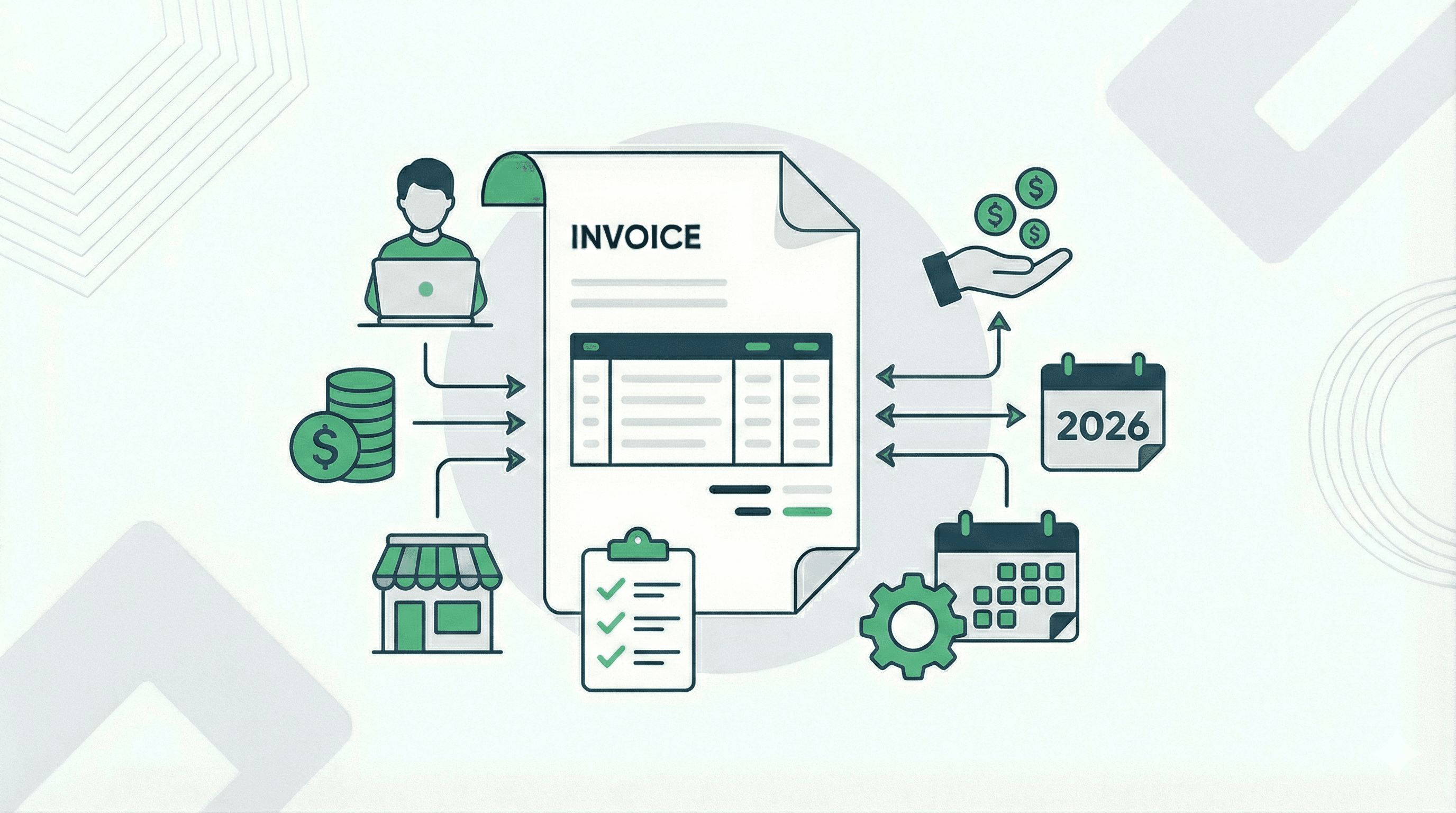
If you are a freelancer, a contractor, or a small business owner, knowing how to invoice properly is crucial for maintaining healthy cash flow and building a professional reputation. An invoice isn't just a request for payment; it's a legal document and a reflection of your brand's professionalism.
In this comprehensive guide, we will walk you through everything you need to know about creating, sending, and managing professional invoices so you can get paid faster and with fewer headaches.
What is an Invoice?
An invoice is a time-stamped commercial document that itemizes and records a transaction between a buyer and a seller. If goods or services were purchased on credit, the invoice usually specifies the terms of the deal and provides information on the available methods of payment.
Key reasons why proper invoicing matters:
- Ensures Timely Payments: Clear instructions leave no room for client confusion.
- Legal Protection: It serves as a legally enforceable agreement.
- Tax and Bookkeeping: Invoices are essential for tracking revenue and preparing for tax season.
Essential Elements of a Professional Invoice
When learning how to invoice, the first step is understanding what goes on the invoice. To look professional and ensure legal compliance, every invoice should include the following core components:
- The Word "Invoice": Stand out clearly at the top of the document.
- Your Business Information: Your company name, address, phone number, and email.
- Client Information: The client's name or company name, address, and contact details.
- Invoice Number: A unique sequential identifier (e.g., INV-001) for easy tracking.
- Important Dates: Both the Invoice Date (when you sent it) and the Due Date (when you expect to get paid).
- Line Items and Descriptions: A clear, itemized breakdown of the products or services provided, including quantities, rates, and totals per line.
- Total Amount Due: The subtotal, any applicable taxes, discounts, and the final total amount owed.
- Payment Terms: Clear instructions on how you expect to be paid (e.g., Net 30, due upon receipt) and accepted payment methods (bank transfer, credit card, etc.).
Step-by-Step: How to Invoice a Client
Follow these steps to generate and send an invoice effectively:
Step 1: Establish Payment Terms Upfront
Before you even start the work, formally agree on payment terms with your client. Will you require a 50% upfront deposit? Are your terms "Net 30" (payment due 30 days after the invoice date) or "Due Upon Receipt"?
Step 2: Use a Professional Template or Software
Instead of manually typing up a new document every time in Word or Excel, use a professional invoice template or dedicated billing software. Using an optimized invoice template reduces errors and helps you get paid up to 3x faster.
(Tip: You can use invoicemicro to generate beautiful, PDF-ready invoices in seconds without any design skills!)
Step 3: Fill in the Specifics Confidently
Add your line items. Be descriptive but concise. Instead of writing "Writing Work," write "Blog Post Content Creation - 1,500 words - 'How to Invoice'." Clear descriptions prevent clients from questioning the bill.
Step 4: Include Polite, Clear Instructions
Add a polite note at the bottom. A simple “Thank you for your business! Please send payment via Wire Transfer to [Account Details] by [Due Date]” can go a long way in maintaining a good client relationship.
Step 5: Send the Invoice Promptly
The best time to send an invoice is immediately upon project completion or product delivery. Don't wait until the end of the month unless you have a specific monthly retainer agreement.
Best Practices for Faster Payments
Want to minimize those awkward "just checking in on that payment" follow-up emails? Use these best practices:
- Offer Multiple Payment Options: The easier you make it for clients to pay (Credit Card, PayPal, ACH, Bank Transfer), the faster they will do it.
- Incentivize Early Payments: Offer a small discount (e.g., 2% off) if the client pays within 10 days.
- Enforce Late Fees: Clearly state on the invoice that a late fee (e.g., 1.5% per month) will be applied for overdue payments.
- Follow Up Automatically: Set a schedule to send polite reminders 3 days before the due date, on the due date, and 3 days after.
Common Invoicing Mistakes to Avoid
Even seasoned professionals make mistakes. Avoid these common pitfalls:
- Vague Descriptions: This leads to disputes and delays.
- Sending to the Wrong Person: Always ask your client: “Who should I send the invoice to?” It might be an accounting department rather than your direct contact.
- Surprise Fees: Never add unexpected charges to the final invoice that weren't discussed previously.
- Poor Formatting: A sloppy, unreadable invoice reflects poorly on your business quality.
Streamline Your Workflow with Invoice Software
Learning how to write an invoice manually is great, but manually tracking numbers, saving PDFs, and sending emails takes up valuable time that you could be using to grow your business.
Modern professionals use cloud-based tools to automate the process. By using a tool like invoicemicro, you get access to:
- Sleek, modern, and customizable invoice templates.
- Automatic invoice numbering.
- Easy PDF generation and exporting.
- A centralized dashboard to track all your clients, paid invoices, and outstanding balances.
Ready to start invoicing like a pro? Stop struggling with messy spreadsheets and basic word processors. Try invoicemicro today and create your first professional invoice in minutes!
Ready to simplify your invoicing?
Join thousands of freelancers who use invoicemicro to get paid faster and look more professional.
Create Free Invoice